
This guide explains how to use the Plesk Backup Manager.
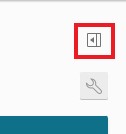
Click the little box with the arrow on the far top right-hand side to expand the sidebar menu.
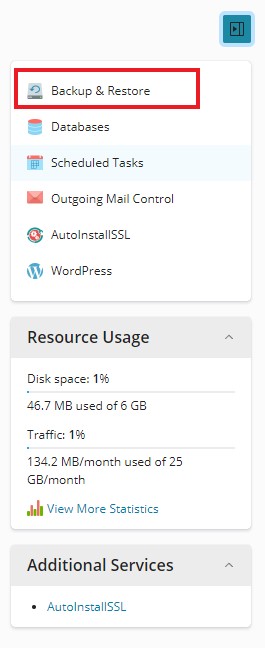
Click the first option in this sidebar menu labelled Backup & Restore.
Click the Backup button at the top.

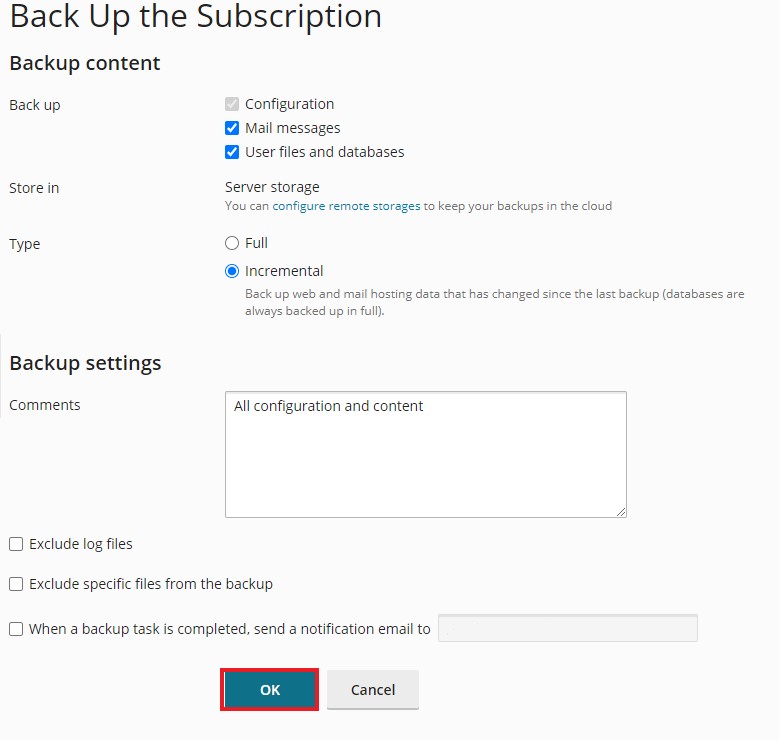
Leave the Default settings as Incremental as if this is the first Backup, it will do a full backup automatically.
Click OK.
Note: If you can't find an answer to your problem click Here to open a support ticket (requires log in).