
This guide explains how to use the Plesk Backup Manager
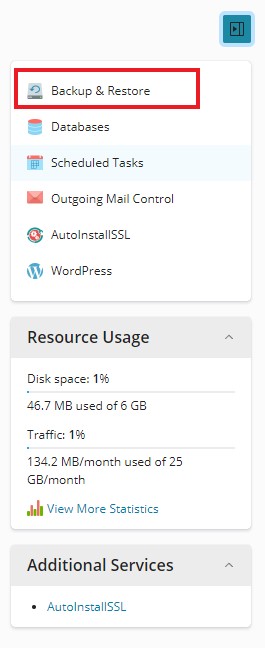
6. Click the first option in this sidebar menu labelled Backup & Restore
7. Click the Backup button at the top.

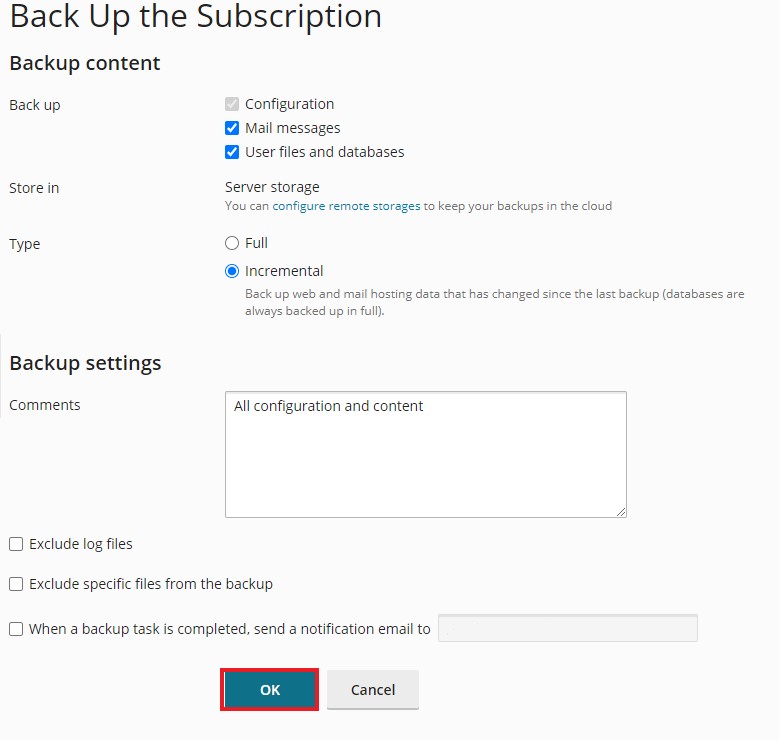
Leave the Default settings as Incremental as if this is the first Backup, it will do a full backup automatically
Click OK.
Note: If you can't find an answer to your problem click Here to open a support ticket (requires log in).